
Mobile app
Borrow, extend and return equipment
Borrow equipment, extend the loan if you need longer, and return it.
See how to borrow equipment
About this walkthrough
This walkthrough follows the written steps below and doesn’t change anything in Manatky. Its frames are real screens from a test workspace with fictional data.
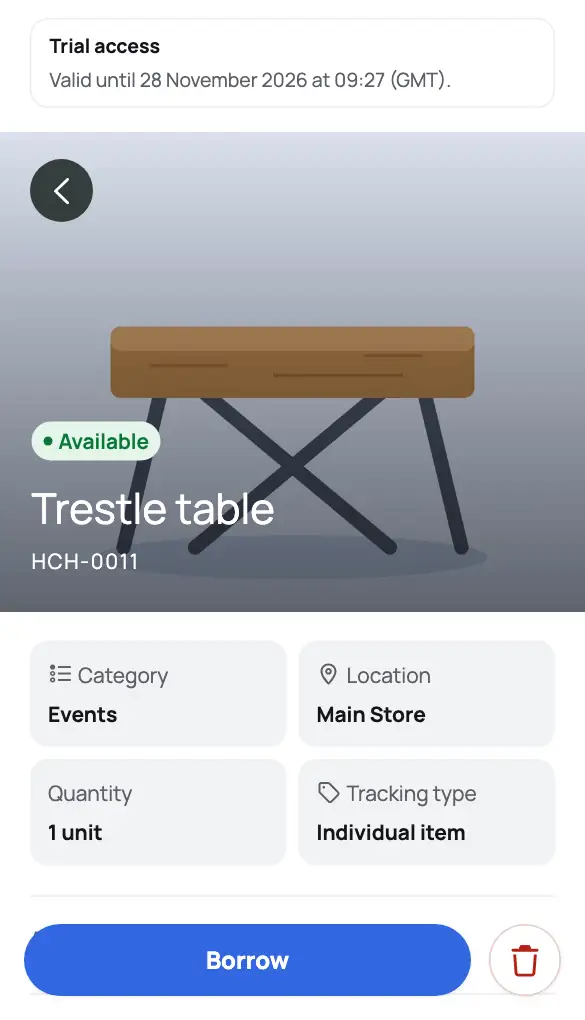 Product screen
Step 1 of 4 · BorrowOpen an available item and choose Borrow.
Arrow keys ← → change step.
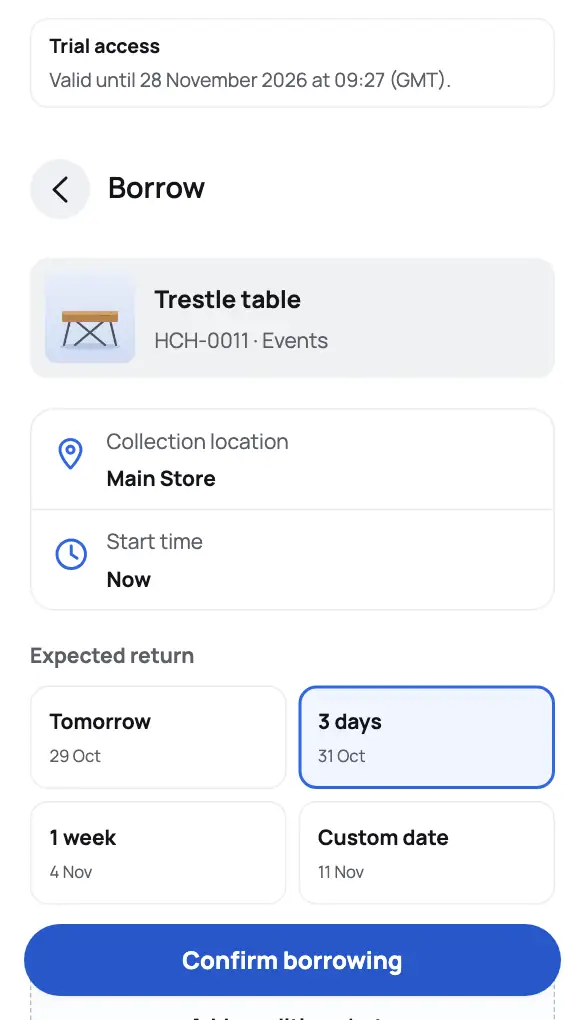
See how to return equipment
About this walkthrough
This walkthrough follows the written steps below and doesn’t change anything in Manatky. Its frames are real screens from a test workspace with fictional data.
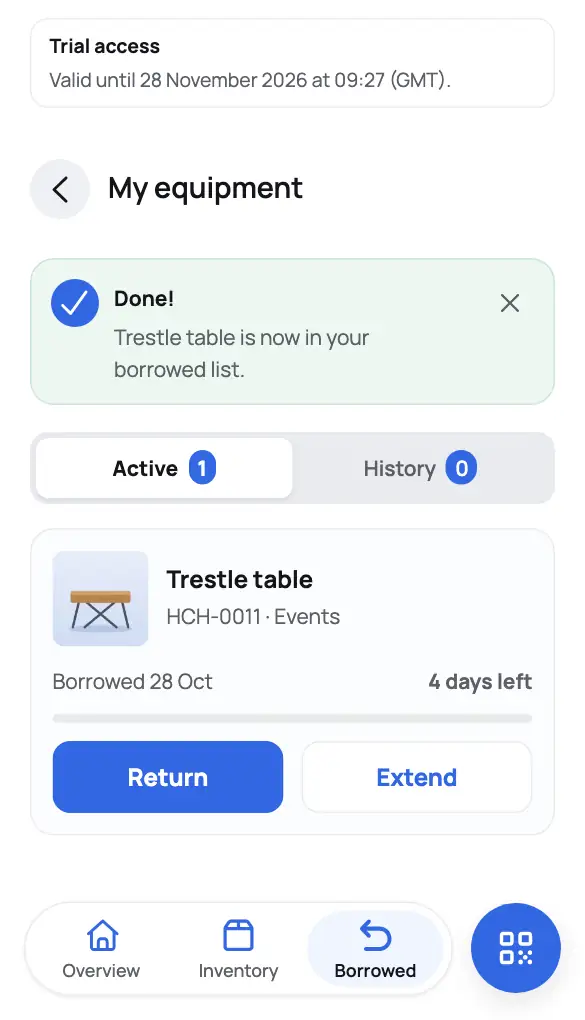 Product screen
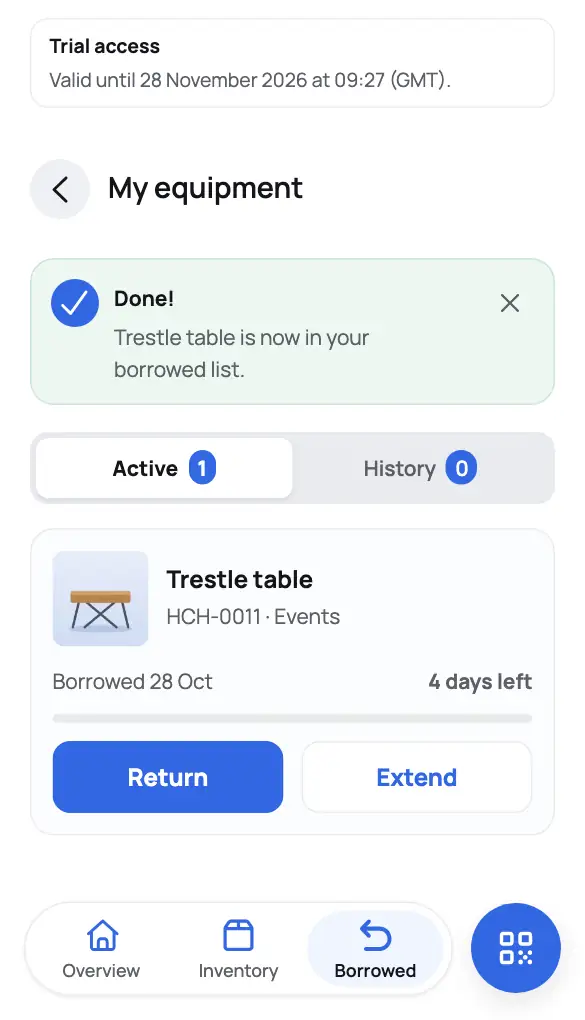
Step 1 of 4 · ReturnUnder Borrowed, choose Return next to the loan.
Arrow keys ← → change step.
Open an item
Find it in Inventory, or choose Scan and scan its QR label.
Borrow it
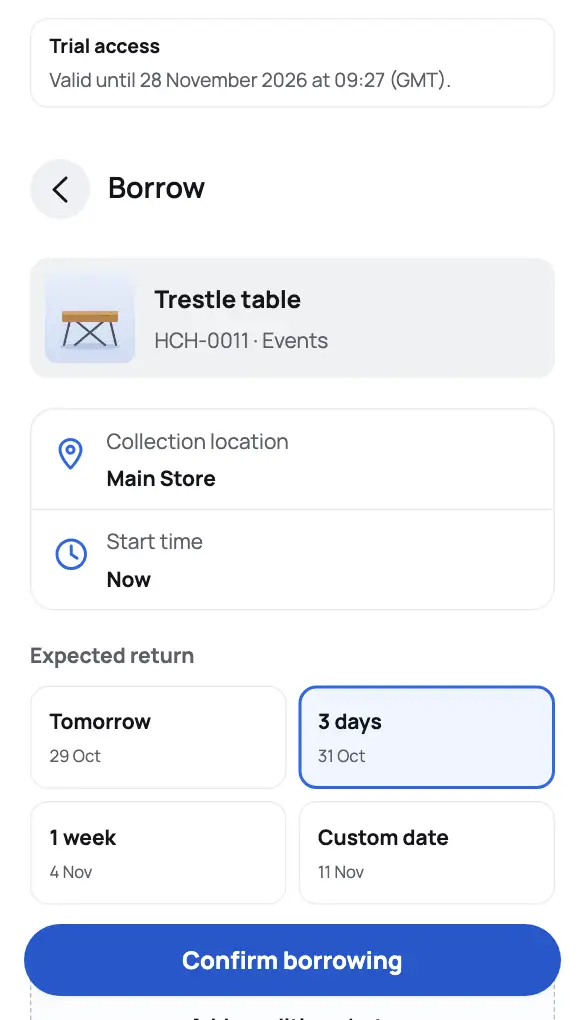
Choose Borrow. For grouped equipment, enter the quantity. Then pick the expected return — for example Tomorrow, 1 week or a Custom date — add a note or photo if you like, and choose Confirm borrowing.
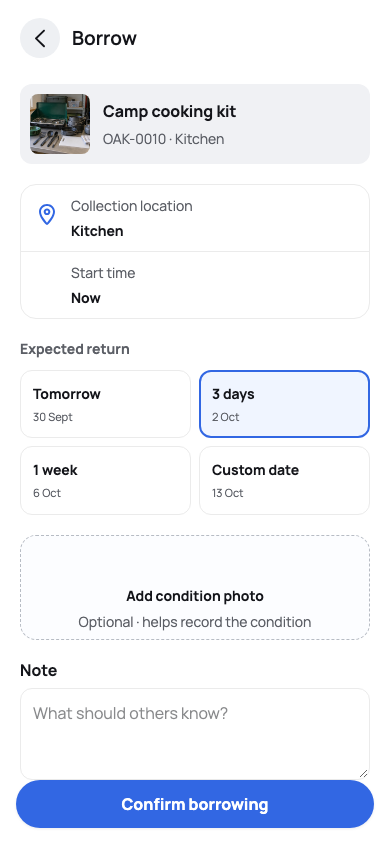
Review the collection location and expected return before confirming a loan. Need longer?
Open Borrowed (My equipment), choose Extend next to the loan, pick a later date and choose Confirm extension. You can extend your own active loans.
Return it
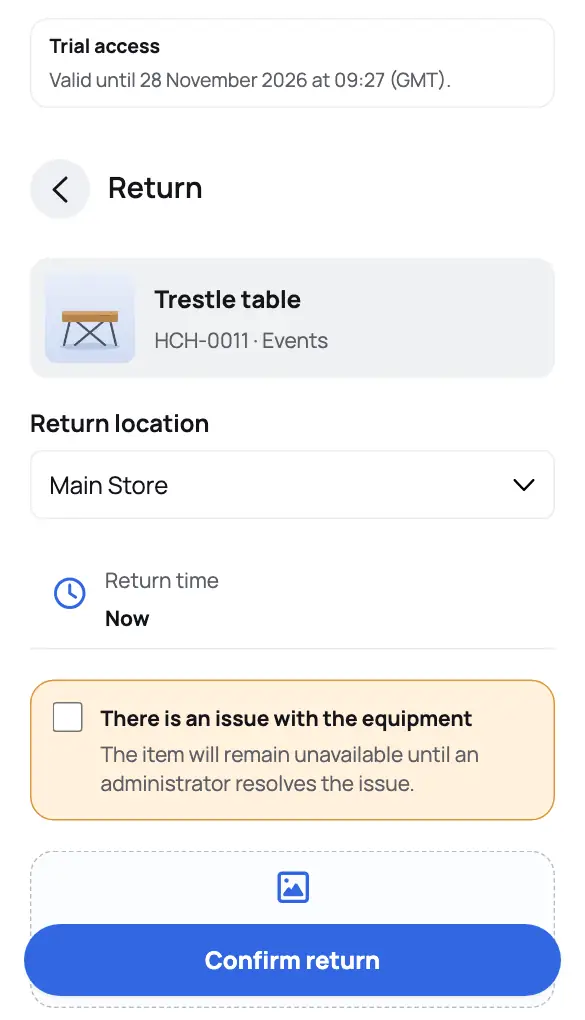
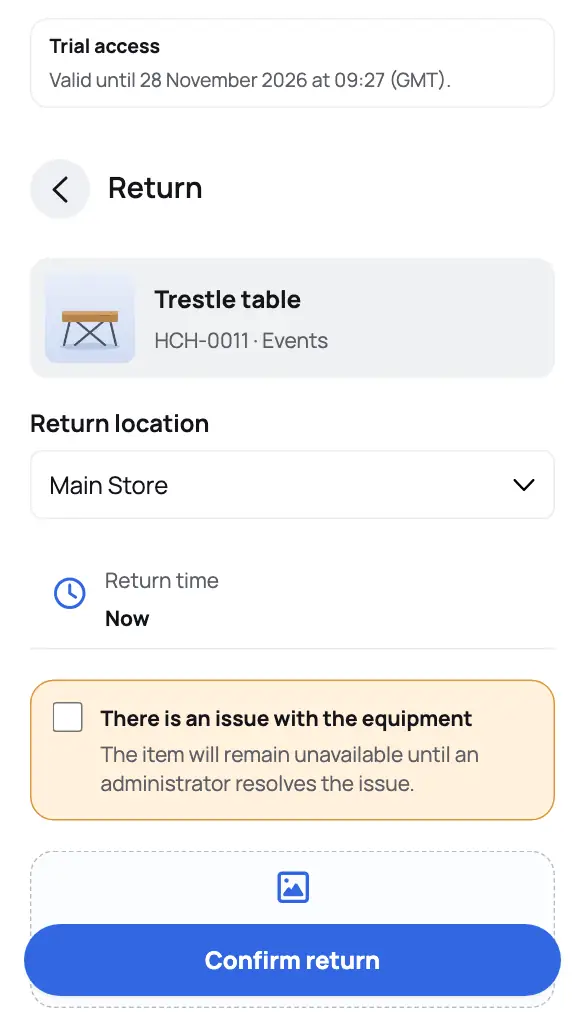
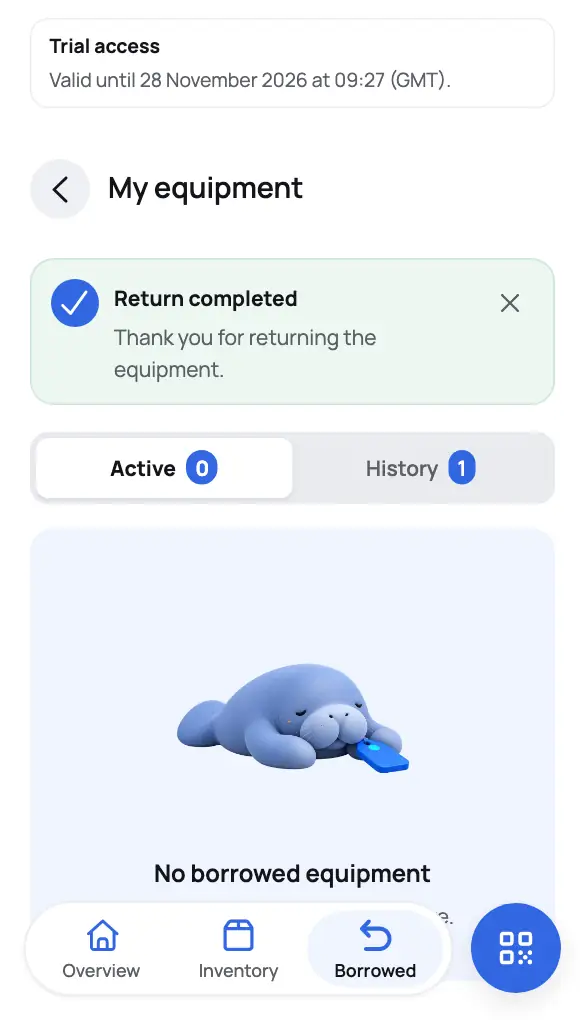
In Borrowed or on the item, choose Return, pick the return location, add a note or photo if you like and choose Confirm return. Grouped equipment can be returned in part.